

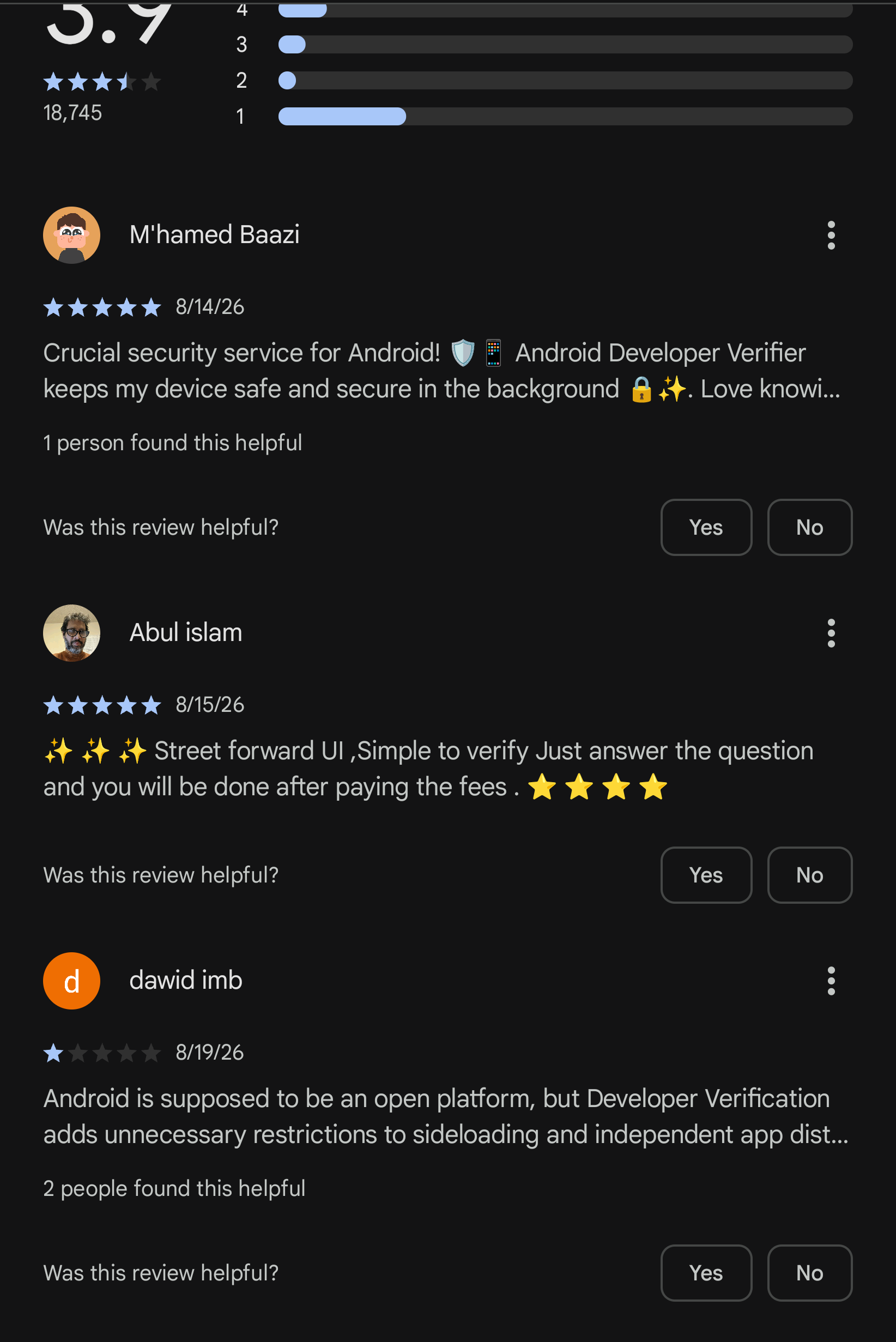
This app is set to stop people from installing apks or using stores and apps not accepted by google (“verification” requires payment of course). The play store listing does not have images, a proper description, and the app cannot be opened.
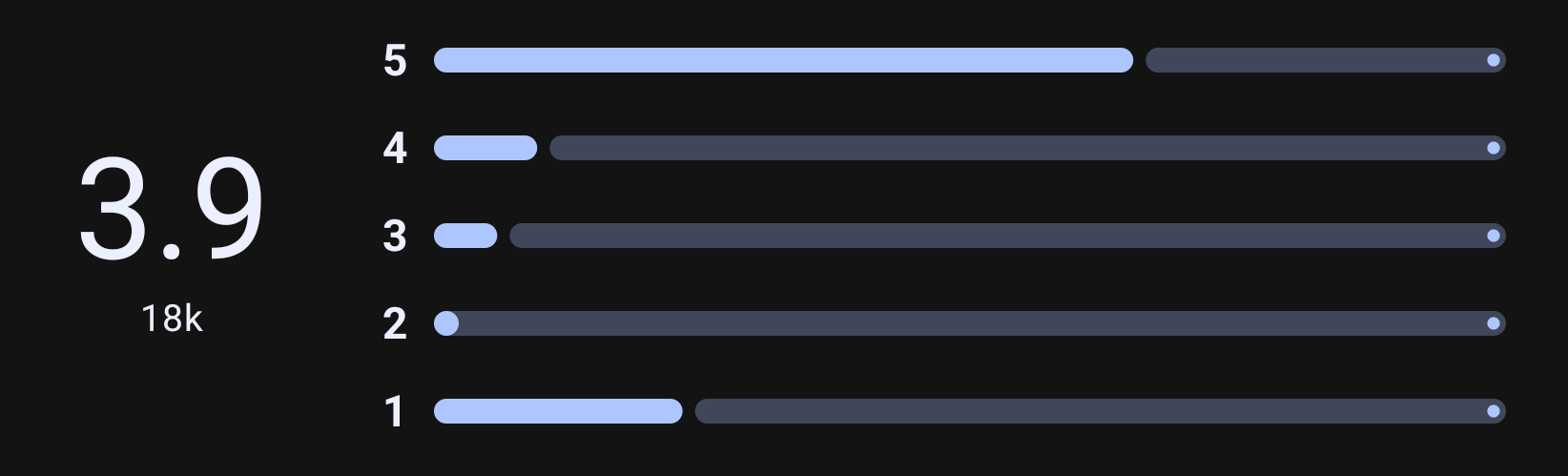
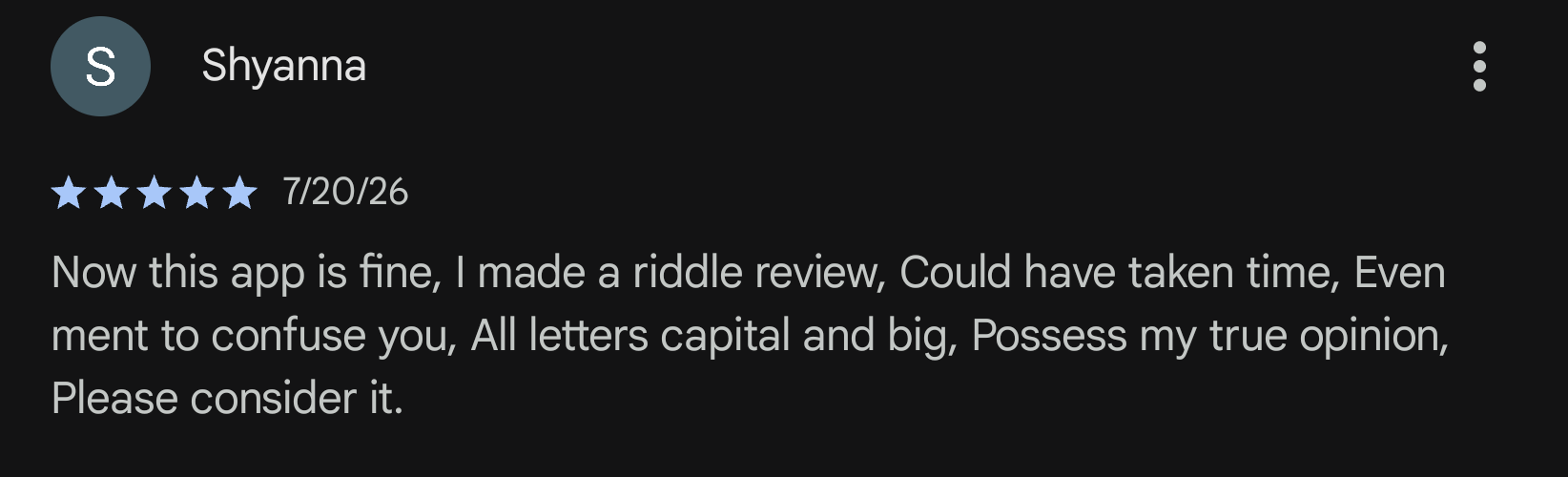
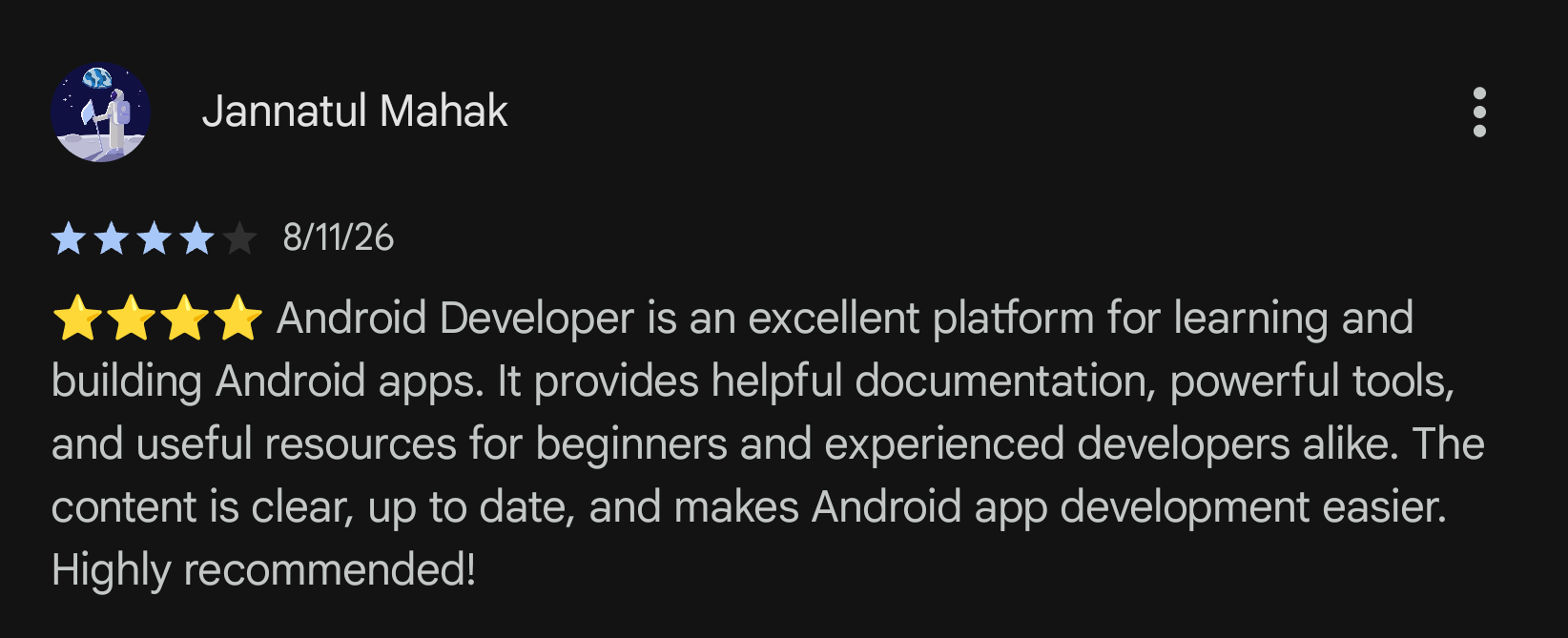
Screenshots from the play app because google did something custom for this playstore listing which crashes Aurora. It’s fixed in the latest fdroid release, but I noticed that too late, so most screenshots are from googles shitty app.
Is there a way I can block updates on a newish Samsung phone? Or any phone for the matter? I don’t want Google to “verify” all my apk installs. There needs to be a workaround for when we get the big update in September that screws over our third party apks
You could uninstall it if you have it currently, then install a dummy apk with the same id that is signed using your own keys. That should stop google services from installing the real verification app.
That’s how I’ve seen past apps be disabled that google kept silently installing.
https://github.com/daboynb/developer-verifier-placeholder/releases
This looks like such a dummy, from a dev who seems to have the main dummy for safetycore too. You can install this and it should be fine.
In the future if your phone has it preinstalled as a system app, you’re probabl, sol and have to root to remove and replace it.
Would adb disable work?
No, neither would user uninstall of this was a system app, or also installed for different users.
You need to fully clear the apk and its signatire from the device, a full uninstall is the minimum.
With root you can mod out the signature check and update it to a different app, even if it is a system app.
If it is not (which is gonna be the case for a while), then adb uninstall should work.
if your usage doesn’t depend on them, i recommend removing all google apps (and vendor bloats) with universal android debloater (uses adb)
I just disabled it. We’ll see if they can remotely enable it again or not.