If you’re running NVME or SSD, you don’t have to worry about fragmentation at all and neither will NTFS or Windows.
On rotational media, recent versions of windows do it when it needs it. NTFS itself has become better about not splitting up files when there’s contiguous space available.
Need? Probably not unless they’re nearly full. Get some benefit from? at least a little. NTFS and 11 try to keep fragmentation at bay without killing your disk. New writes that won’t fit in a hole are pushed ahead of the platter until they will.
Go run optimize drives, it’ll tell you what the state is


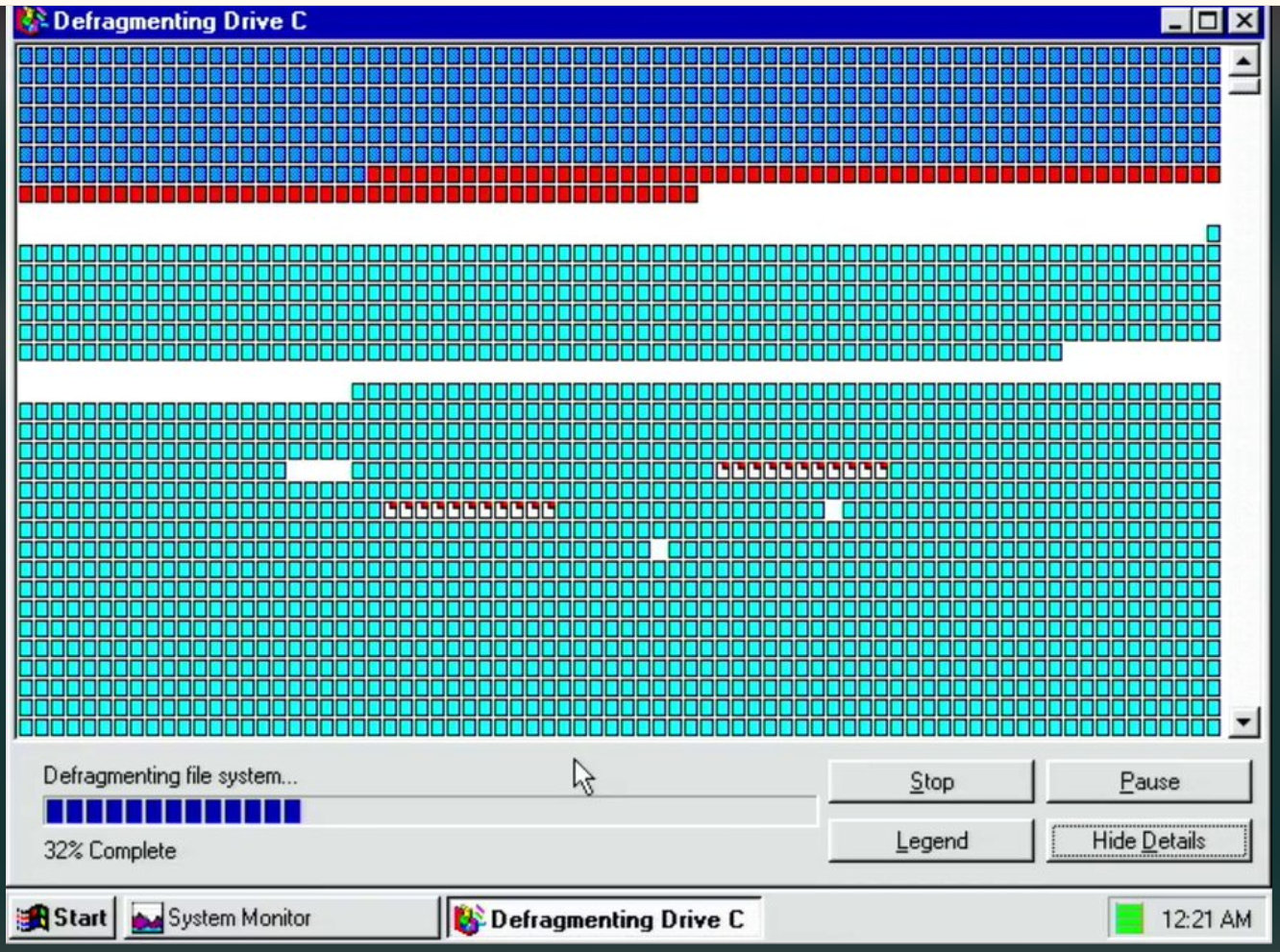
I still have an HDD, am I supposed to defrag it? I don’t think I’ve ever done that.
no
https://datarecovery.com/rd/why-you-dont-need-to-defrag-hard-drives-anymore/
So it runs automatically in the background?
If you’re running NVME or SSD, you don’t have to worry about fragmentation at all and neither will NTFS or Windows.
On rotational media, recent versions of windows do it when it needs it. NTFS itself has become better about not splitting up files when there’s contiguous space available.
I have two 10 terabyte external hard drives that go whirr (so I assume there are platters in there). Do they need a defrag? I’m running Windows 11.
Need? Probably not unless they’re nearly full. Get some benefit from? at least a little. NTFS and 11 try to keep fragmentation at bay without killing your disk. New writes that won’t fit in a hole are pushed ahead of the platter until they will.
Go run optimize drives, it’ll tell you what the state is
https://www.elevenforum.com/t/optimize-and-defragment-drives-in-windows-11.3212/
Oh good thanks 🙂
It has nothing to do with the type of media and everything to do with the file system being used by Windows, FAT.
I hopelessly did this on Win 98 without a clue what was happening, so why not?