GNU readline is the library that powers features like Ctrl-A, Ctrl-R and Alt+S. By default, it is in emacs mode - that is why it supports these shortcuts, they are the same as in emacs. It also supports vi style editing. You can switch to that by typing set -o vi in your shell. Then you can edit commands as if you were in vi, for example, instead of Ctrl-A you’d do Esc 0. Instead of Ctrl-R you’d do Esc /. If you are fluent in vi then this mode will be more useful.
I used to work on really old Unix systems, sometimes over serial connections. They didn’t have bash (only ksh), and they didn’t understand arrow keys. Vi mode was the only way to edit commands that worked reliably.


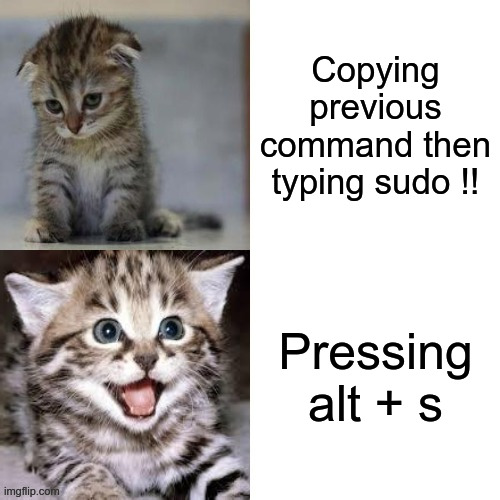
GNU readline is the library that powers features like Ctrl-A, Ctrl-R and Alt+S. By default, it is in emacs mode - that is why it supports these shortcuts, they are the same as in emacs. It also supports vi style editing. You can switch to that by typing
set -o viin your shell. Then you can edit commands as if you were in vi, for example, instead of Ctrl-A you’d do Esc 0. Instead of Ctrl-R you’d do Esc /. If you are fluent in vi then this mode will be more useful.I used to work on really old Unix systems, sometimes over serial connections. They didn’t have bash (only ksh), and they didn’t understand arrow keys. Vi mode was the only way to edit commands that worked reliably.