Icons on the desktop is a non-feature for most gnome users. Even my Windows desktop has been empty since XP released. If you really want desktop icons then using an extension for that should be fine, but it’s silly to frame this as a failing of the “Gnome people” just because Gnome doesn’t replicate the classic Windows desktop experience.
For all intents and purposes I don’t have a desktop. It’s just a wallpaper and canvas for the actual workflow. The app drawer is one keypress away, as is the terminal (and I prefer to have separate sessions for different tasks anyway). I usually see my desktop for about five seconds after bootup per day so there’s not much reason to put anything else there. Think of it like the wallpaper or black background of a tiling window manager. I really don’t get how this is such a crazy idea to some people. I’ve subconsciously used the exact same workflow since before Gnome even implemented it, just without explicit support from my desktop environment.
That’s the beauty of KDE: you can make it pretty much anything you like and customize it: desktop icons or not, using the app menu or krunner, a mix of all, etc.
I have icons on my desktop, icons in my taskbar, and of course the menu. taskbar, always there, one click, boom! second tier apps, desktop, less used stuff, open menu.
Whatever floats your boat. I’m using my keyboard probably 90% of the time and hitting super and typing in one to three letters followed by enter is the fastest way for me to navigate to pretty much anything including system settings and documents. Finding stuff on a desktop with more than a dozen icons is annoying to me. I move windows and switch focus with the standard keyboard shortcuts etc. It’s a familiar workflow for tiling WM users and works that way out of the box, yet Gnome has been catching shit for it since v3. It used to be the disgruntled Gnome 2 userbase but nowadays it seems to be mostly people who don’t use Gnome at all lol.

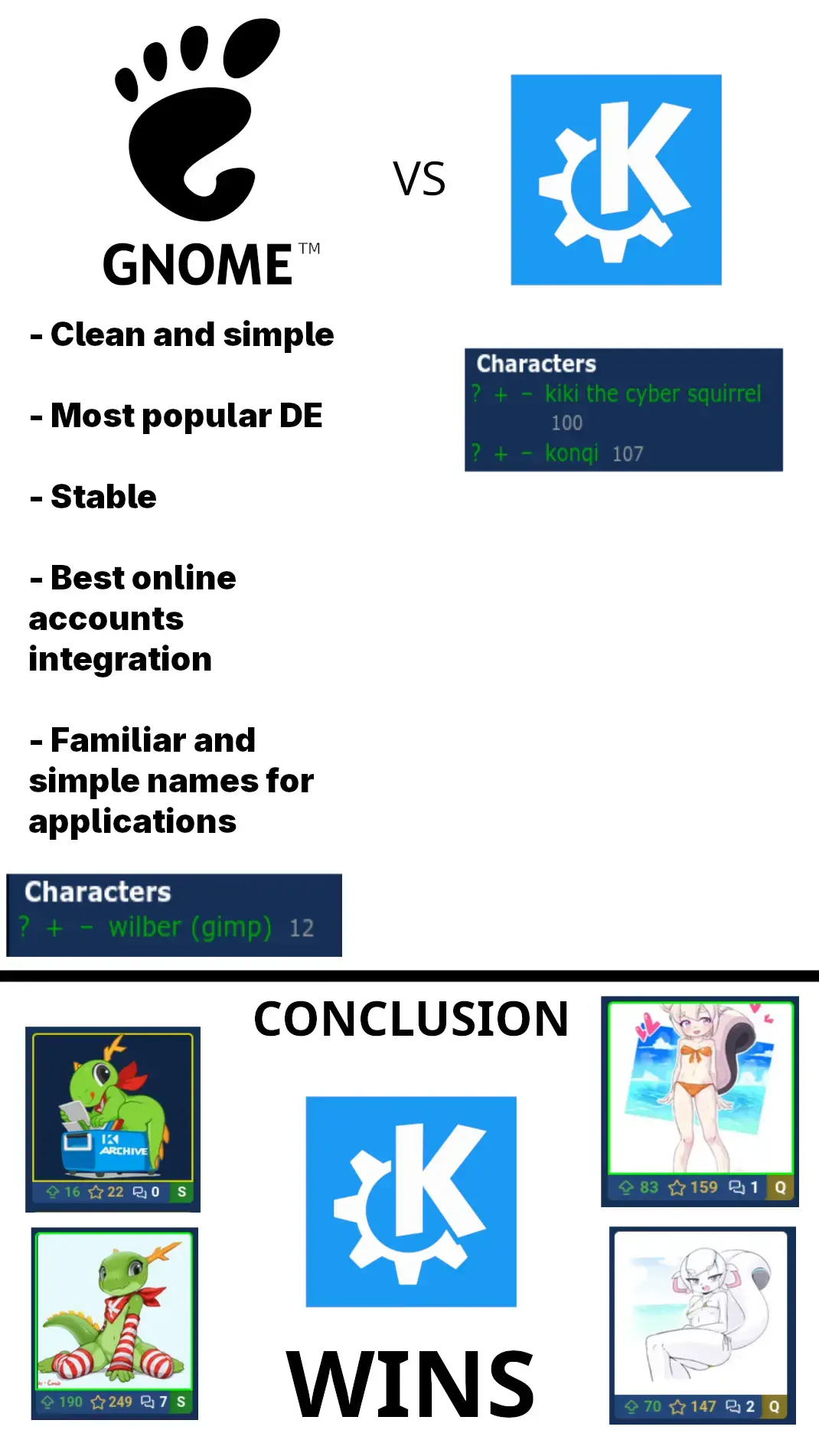
Did the Gnome people ever figure out how to put icons on the desktop yet?
There’s an extension that lets you do that. Once a week it breaks and makes icons appear over other windows.
That sums up my experience with Ubuntu Gnome.
Icons on the desktop is a non-feature for most gnome users. Even my Windows desktop has been empty since XP released. If you really want desktop icons then using an extension for that should be fine, but it’s silly to frame this as a failing of the “Gnome people” just because Gnome doesn’t replicate the classic Windows desktop experience.
Yeah because everyone who uses them is on KDE now.
Probably, yeah? I mean I’d hope they’re not still using Gnome if desktop icons are their one wish in life…
Then why have a desktop? Why not just an app drawer or always ready terminal?
Seems like the worst of both worlds in terms of utilitarianism and aesthetics.
For all intents and purposes I don’t have a desktop. It’s just a wallpaper and canvas for the actual workflow. The app drawer is one keypress away, as is the terminal (and I prefer to have separate sessions for different tasks anyway). I usually see my desktop for about five seconds after bootup per day so there’s not much reason to put anything else there. Think of it like the wallpaper or black background of a tiling window manager. I really don’t get how this is such a crazy idea to some people. I’ve subconsciously used the exact same workflow since before Gnome even implemented it, just without explicit support from my desktop environment.
That’s the beauty of KDE: you can make it pretty much anything you like and customize it: desktop icons or not, using the app menu or krunner, a mix of all, etc.
I think that’s why it launches with the app menu open by default.
I have kde, but also don’t use desktop icons
I have icons on my desktop, icons in my taskbar, and of course the menu. taskbar, always there, one click, boom! second tier apps, desktop, less used stuff, open menu.
I use KDE BTW
Whatever floats your boat. I’m using my keyboard probably 90% of the time and hitting super and typing in one to three letters followed by enter is the fastest way for me to navigate to pretty much anything including system settings and documents. Finding stuff on a desktop with more than a dozen icons is annoying to me. I move windows and switch focus with the standard keyboard shortcuts etc. It’s a familiar workflow for tiling WM users and works that way out of the box, yet Gnome has been catching shit for it since v3. It used to be the disgruntled Gnome 2 userbase but nowadays it seems to be mostly people who don’t use Gnome at all lol.
I love it, the three finger swipe gestures for laptops are golden too
Jesus it was pissing me off since 2017. I left Gnome in favor of KDE in 2019 You’re telling me you still can’t make a shortcut like a human being???
What’s a desktop? Is that like a big dmenu or something?