Recovered image, attempt 1:
I used exact 7x7 box blur to remove high-frequency contents, then median blur and contrast increase… Very basic but pretty good for a FOSS Android app.
Now that I’m on my computer and got GIMP, a single filter can almost recover the original image, which turns out is actually 1bpp (unfortunately, the JPEG noise, especially around tile edges, remains). The filter in quedtion is a basic lightness curve:
_|¯¯¯¯¯¯¯¯¯|_________|¯
The result is:
Here’s the original dithered image BTW, and the source photograph:
Here’s a comparison of my recovery, limited by JPEG noise, as opposed to what could be recovered if the author used a PNG (could have reached <100 kB losslessly, as opposed to lossy >200 kB!):
🟪 = false white; 🟨 = false black; as a result, the original image is in the green channel and the noisy one in the blue channel, and reddish tint highlights error
Edit: text below is from before I knew there is detail within the squares, I’d thought they were flat color, the space saving is not that substantial with that in mind (a 16x16 lossless as 4-color indexed PNG saves only cca 67 % (shown below), or about 50 % as a reasonably lossy JPEG):
There’s so much JPEG artifacting in the original. All of it, and I mean all of it, could have been avoided, at much smaller file size, by using tile size of 16 instead of 15 (ImageMagick’s default pattern:checkerboard).
(Yes, the sides are off but that’s because I’m on the phone and don’t have my usual software. Still, the tiles align with JPEG’s 8x8 blocks (usually 16x16 for chroma but that’s blank here) so they’re all clean, at ⅛ the file size.)
Color variations in white tiles, it seems. When you look close, the brain compares shades of white to the neighboring black. When you look far away, brain focuses on larger patterns.


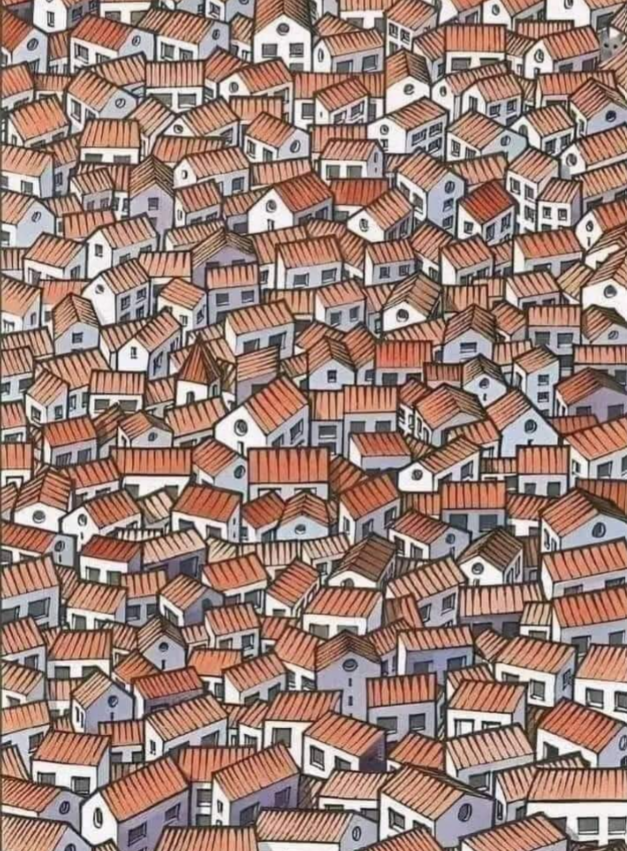
For those struggling get rid of the high frequency information. Easiest way is to increase the viewing distance.
How does that help? There is definitely a tiny cat but can you see a big one after Gaussian blur?
I’m going to plead temporary insanity - I swear I saw a big face when I put it across the room. Now I don’t. 😄
Here’s another example. Look at this grating from several feet away.
Recovered image, attempt 1:
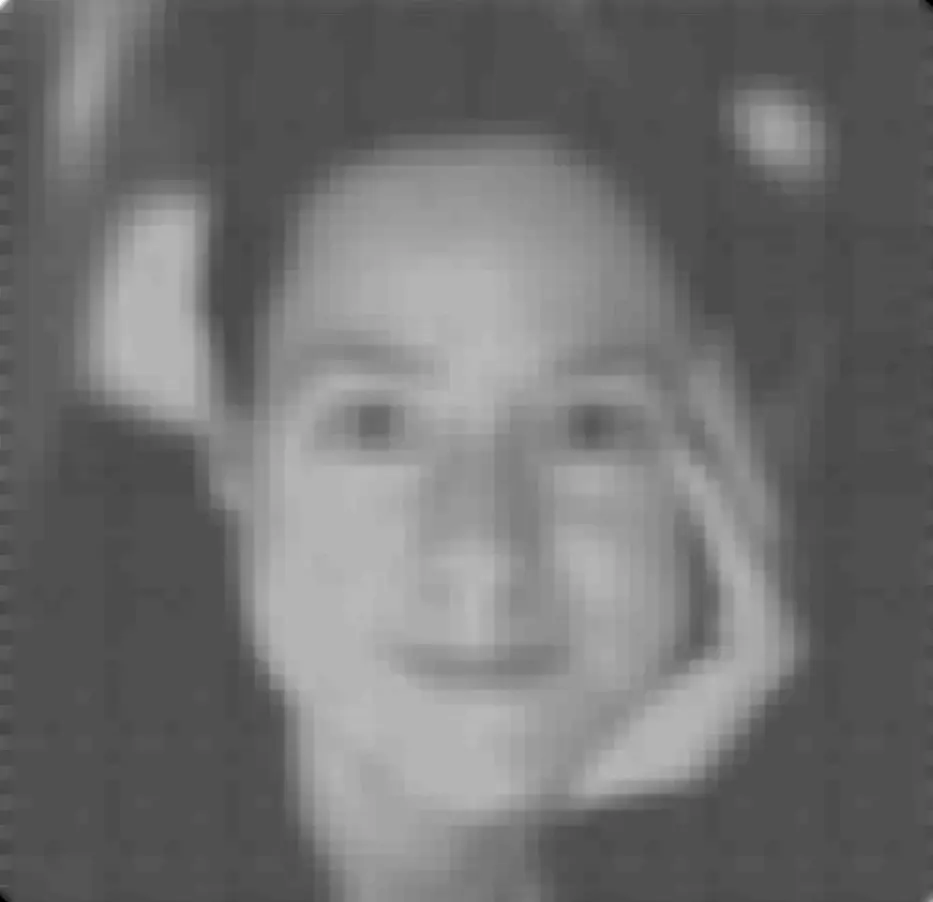
I used exact 7x7 box blur to remove high-frequency contents, then median blur and contrast increase… Very basic but pretty good for a FOSS Android app.
Now that I’m on my computer and got GIMP, a single filter can almost recover the original image, which turns out is actually 1bpp (unfortunately, the JPEG noise, especially around tile edges, remains). The filter in quedtion is a basic lightness curve:

_|¯¯¯¯¯¯¯¯¯|_________|¯
The result is:
Here’s the original dithered image BTW, and the source photograph:


Source & author’s notes
Here’s a comparison of my recovery, limited by JPEG noise, as opposed to what could be recovered if the author used a PNG (could have reached <100 kB losslessly, as opposed to lossy >200 kB!):

🟪 = false white; 🟨 = false black; as a result, the original image is in the green channel and the noisy one in the blue channel, and reddish tint highlights error
Edit: text below is from before I knew there is detail within the squares, I’d thought they were flat color, the space saving is not that substantial with that in mind (a 16x16 lossless as 4-color indexed PNG saves only cca 67 % (shown below), or about 50 % as a reasonably lossy JPEG):
There’s so much JPEG artifacting in the original. All of it, and I mean all of it, could have been avoided, at much smaller file size, by using tile size of 16 instead of 15 (ImageMagick’s default
pattern:checkerboard).(Yes, the sides are off but that’s because I’m on the phone and don’t have my usual software. Still, the tiles align with JPEG’s 8x8 blocks (usually 16x16 for chroma but that’s blank here) so they’re all clean, at ⅛ the file size.)
How does it work?
Color variations in white tiles, it seems. When you look close, the brain compares shades of white to the neighboring black. When you look far away, brain focuses on larger patterns.
that’s what it is, I’ve made one before. basically grayscale image faintly on a black and white pattern, doesn’t need to be checkerboard.
Magnets, maybe.
Spray a little water on it and the illusion stops working, so yeah it must be magnets.
That makes the tiny little cat harder to see
There’s a little 😺?
spoiler
Top right